The platform
Inputs, schedules and projections in one place.
Budnivo calculates a day-by-day balance projection from your income, bills and accounts and marks days projected below zero. Goal timelines use the same numbers. Actual results may differ.

Budnivo · Personal & Household
Dashboard
Good morning, Alex
Balance
$8,420
Income
$5,230
Spending
$2,910
Credit cards
−$1,340
Balance trend & forecast
BalanceBalance + unused creditPlan health
- Budget pace72%
- Goal progress58%
- Safe buffer64%
Safe buffer · Reserve runway
Top spending
Budget & Transactions
Every paycheque and bill placed on the day it lands. Your balance carries forward automatically.
Goal Simulator
Test extra monthly surplus from income or expense changes — every month or one period — and see each goal's date shift. Runs in memory; records and goal baselines stay unchanged.
Priority Goals
Rank goals #1 first. Monthly surplus is applied in rank order, and reach dates are calculated from your budget pace or actual pace.
Accounts & Credit
Chequing, savings and cards with limits, APR and estimated payoff timelines based on recorded balances and rates.
Review every match and difference
Statement Reconciliation
Review bank or card statement lines, match recorded entries and verify cleared balances. Keep unmatched items and timing differences visible.
A live Budget & Transactions calendar
Keep planned income, bills and transfers distinct from recorded actuals. Project daily balances from your linked accounts, with balances carrying forward.
- Budget and actual side by side
- Transfers never counted as spending
- Recurring items projected ahead
Balance trend & forecast
The Dashboard charts projected balances day by day from your accounts and plan, with a $0 line, a Today marker and goal markers. Its lowest point feeds Safe buffer in the Plan health.
- Daily projections through your forecast period
- Select a day for its entries
- Consistent calculations for the same inputs
Goal Simulator: what-if goal timelines
On the Goals page, test changes to monthly income or expenses — every month or for one selected period — from your planned budget or recorded actuals. Each priority goal's date shifts earlier or later in rank order.
- Runs in memory; nothing is saved
- Records and goal baselines unchanged
- Simulated surplus = (income + Δ) − (expenses + Δ)
Every account and card in one place
Chequing, savings and credit cards with limits, APR and estimated payoff timelines, plus CSV statement import when you want it.
- Credit limits and interest tracking
- Estimated payoff schedules based on recorded balances and rates
- You stay in control of your data
Statement Reconciliation: records you can trace
On Professional and Business, review bank or card statement lines, match existing actuals or explicitly record new entries, and verify the closing balance against cleared account records. Unmatched lines and uncleared timing differences stay visible.
- Reviewed matching, never automatic posting
- Saved drafts and statement history
- Matched records protected until Undo Match
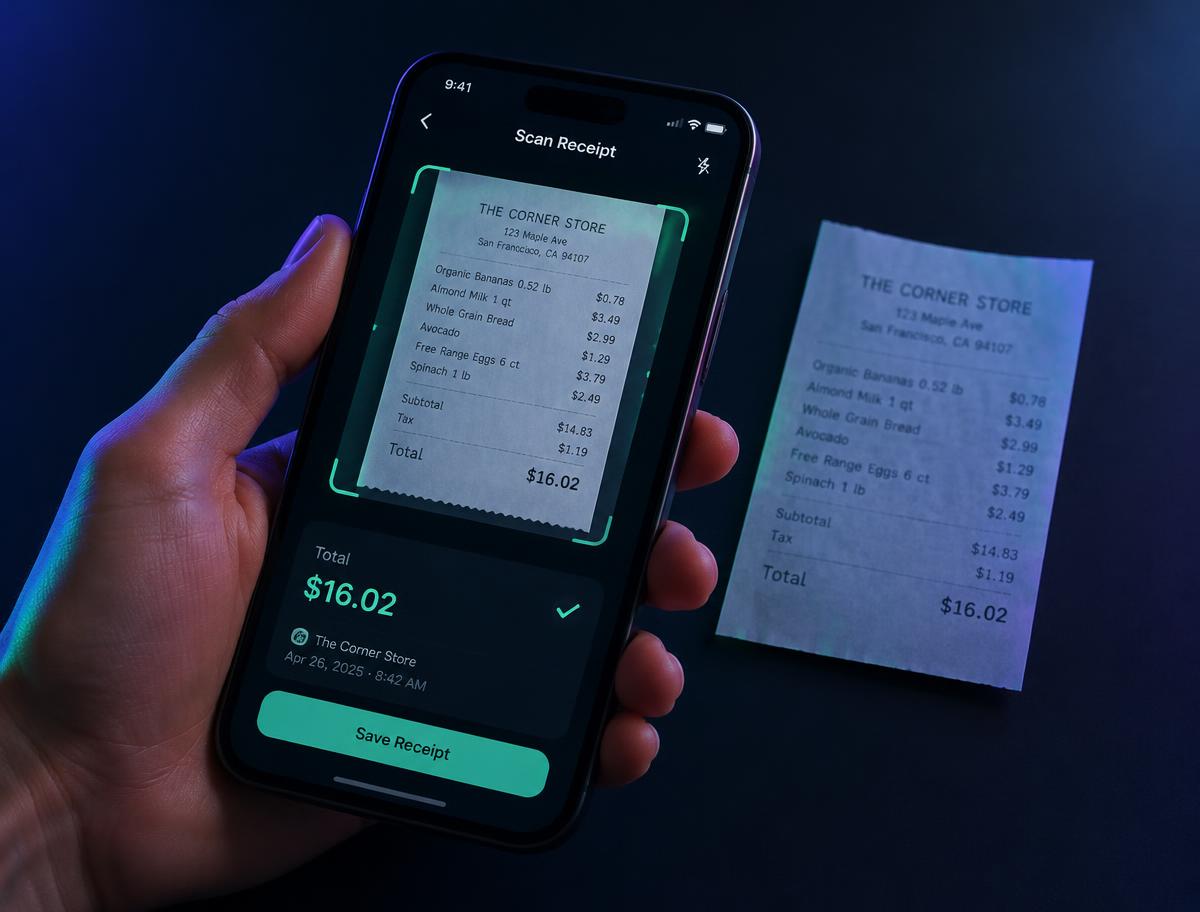
AI receipt capture
Capture now. Review before posting.
Budnivo extracts receipt details into a private draft in Needs Review under Receipts & Documents. Review the store, date, amount and category, then explicitly choose the paying or refund-receiving account before approving and posting an actual transaction.
Drafts await review
Stored privately
Forecast your goals. Master your budget flow.
30 days of Professional free. No credit card needed.